

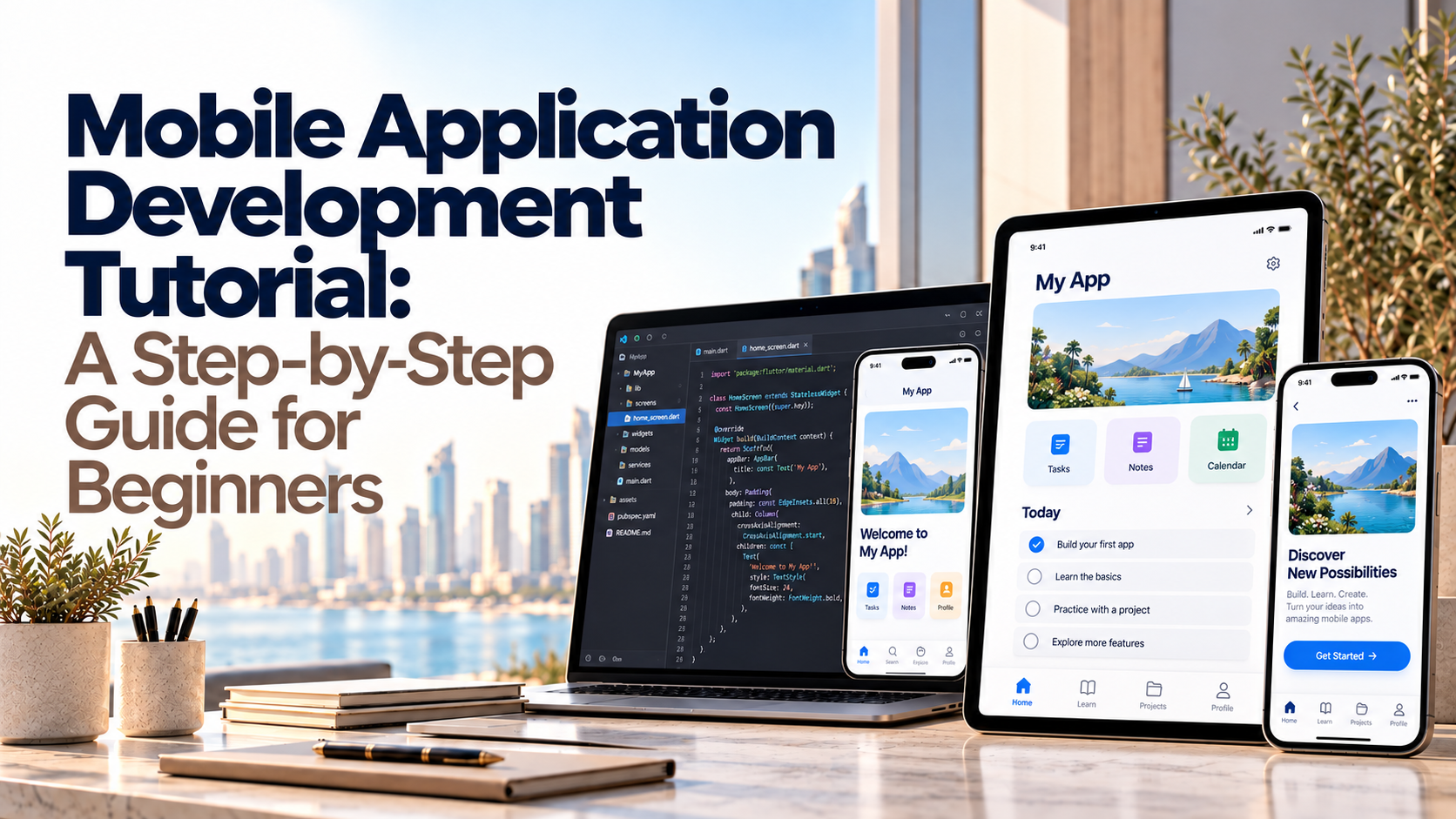
Building a mobile app can seem complicated when you are unfamiliar with programming languages, development tools, and app publishing. A practical Mobile Application Development Tutorial can help you understand the process, choose the right technology, and create a simple application without becoming overwhelmed by technical details.
Mobile app development involves planning an idea, designing the user interface, writing code, testing functionality, and preparing the application for release. Beginners can start with a basic Android or iOS project before exploring more advanced features and cross-platform development.
This guide explains how to make an application step by step, which tools to learn, what programming concepts matter most, and how to avoid common mistakes. It also covers the differences between native and cross-platform development so you can choose an approach that matches your goals.
What Is Mobile Application Development?
Mobile application development is the process of designing, building, testing, publishing, and maintaining software for smartphones and tablets. Applications can provide services such as online shopping, messaging, banking, appointment booking, education, and business management.
The process usually includes five stages:
Planning: Define the problem, audience, and essential features.
Design: Create screens, navigation, and user interactions.
Development: Write code and connect the application to data or external services.
Testing: Find bugs and check performance, security, and usability.
Deployment and maintenance: Publish the app, monitor its performance, and release updates.
Learning these stages gives beginners a clear picture of how mobile applications development works in real projects.
Step 1: Learn Basic Programming Concepts
Before building a complete application, learn the programming fundamentals that help you understand how software works. You do not need to master every language before starting, but a solid foundation makes development easier.
Important basic programming concepts include:
Variables: Store values such as names, prices, and user settings.
Data types: Define whether a value is text, a number, a Boolean, or another type.
Conditions: Run different actions depending on whether a condition is true or false.
Loops: Repeat an action when necessary.
Functions: Organize reusable blocks of code.
Arrays and collections: Store and manage groups of values.
Object-oriented programming: Organize related data and behavior into classes and objects.
Debugging: Identify and correct errors in your code.
For example, a shopping app might use variables to store a product price, conditions to check whether an item is in stock, and functions to calculate the final order total.
Start with small exercises before attempting complex features such as payment processing, user authentication, or live notifications.
Step 2: Choose the Right Mobile Development Platform
Your choice of platform affects the tools, programming languages, development time, and testing process.
Android app development
Android development is a suitable starting point if you want to build applications for Android phones and tablets.
Android Studio is Google's official development environment for Android. It provides a code editor, emulator, debugging tools, and features for building and testing applications.
Beginners commonly learn Kotlin for native Android development, although Java is also used in existing projects and some learning resources.
A simple first project could include a home screen, a button, and a message that changes when the user taps the button.
iOS app development
iOS development focuses on applications for Apple's mobile devices. Developers commonly use Swift and Xcode to build, test, and debug native iOS applications.
You can begin by learning Swift syntax, designing a basic interface, and handling simple user interactions. Publishing an application requires following Apple's current account, review, and distribution requirements.
If you work with an existing project, the Apple Developer login provides access to the relevant developer account resources. Keep account credentials secure and under the account owner's control.
Cross-platform mobile development
Cross-platform mobile development allows developers to create applications for multiple operating systems using a shared codebase where appropriate.
Popular options include Flutter and React Native. These technologies can reduce duplicated work, although platform-specific code may still be needed for certain features.
Choose a framework based on your application requirements, team skills, performance needs, and long-term maintenance plans.
Step 3: Set Up Your Mobile Development Tools
Once you have selected a platform, install the tools needed to create and test your first project.
Common mobile development tools include:
Tool | Main purpose |
Android Studio | Writing, building, debugging, and testing Android apps |
Xcode | Developing and testing Apple platform applications |
Flutter | Building cross-platform mobile applications |
React Native | Developing mobile apps using JavaScript or TypeScript |
Git | Tracking code changes and collaborating with other developers |
Device emulators | Testing apps on simulated devices |
Testing tools | Checking functionality and identifying regressions |
For an Android beginner, a typical starting process is:
Download Android Studio from its official source.
Install the required Android SDK components.
Create a new project using a beginner-friendly template.
Choose the programming language and minimum supported Android version.
Run the project using an emulator or a compatible physical device.
Modify the interface and test your changes.
Make sure your computer meets the current software requirements before installing the development environment.
Step 4: Build Your First Simple Application
The best way to learn is to create a small project that has a clear purpose. A number selector is a useful beginner exercise because it teaches you how to display information and respond to user input.
For example, you could create an app that lets users increase or decrease a number.
Understanding an Android number spinner
An Android number spinner is a user-interface control that lets someone select a value from a predefined list. It is useful for choosing quantities, categories, or other options.
A number selector Android interface might use a spinner for selecting the number of guests in a booking form. If users need to increase or decrease a quantity directly, buttons with a numeric display may be more suitable.
To build this type of project:
Create a new Android project.
Add a text label to display the selected number.
Add controls for increasing or decreasing the value.
Write the logic that updates the displayed number.
Set sensible minimum and maximum values.
Test the controls with different inputs.
This exercise teaches event handling, variables, conditions, and interface updates without requiring a complex backend.
After completing it, you can extend the app with saved preferences, a settings screen, or a simple history of selected values.
Step 5: Design a User-Friendly Interface
A mobile app should be easy to understand and operate on a small screen. Users should be able to identify the main action without searching through confusing menus.
Follow these interface design principles:
Keep navigation simple and consistent.
Use readable text and sufficient contrast.
Make interactive elements easy to tap.
Provide clear feedback when a user completes an action.
Display helpful error messages when something goes wrong.
Consider accessibility features such as screen-reader labels.
Test the layout on different screen sizes.
Avoid adding too many features to the first version. A focused application with a clear purpose is easier to test, improve, and maintain.
Step 6: Test, Debug, and Secure Your App
Testing helps you identify problems before users encounter them. Run your application on emulators and, when possible, physical devices to check how it behaves under realistic conditions.
Test the following areas:
Functionality: Do buttons, forms, and navigation work correctly?
Compatibility: Does the app work on supported devices and operating system versions?
Performance: Are screens responsive, and does the app avoid unnecessary resource use?
Security: Is sensitive information handled and stored safely?
Usability: Can users complete important tasks without confusion?
Network behavior: Does the app handle slow connections and failed requests gracefully?
Use debugging tools to investigate errors instead of making random code changes. For applications handling personal or financial information, security requirements should be considered from the beginning.
Step 7: Publish and Maintain Your Application
When the app is ready, prepare the required release build, store listing, screenshots, privacy information, and other materials requested by the relevant platform.
For Android, review the current Google Play publishing requirements. For iOS, follow Apple's submission and review process.
Publishing is not the end of development. You may need to fix bugs, support newer operating system versions, improve performance, and respond to user feedback.
Plan for maintenance before launch so the app remains reliable as user needs and platform requirements change.
Free Tutorials and Resources for Learning App Development
Beginners can use free tutorials to learn programming fundamentals, follow guided projects, and understand development tools before investing in paid training.
Useful learning approaches include:
Following official Android and Apple documentation.
Completing introductory Kotlin, Swift, Flutter, or React Native lessons.
Building small projects after each tutorial.
Reading code examples and modifying them to understand how they work.
Practicing debugging instead of simply copying code.
Reviewing current documentation when a tutorial uses outdated tools.
Choose tutorials that match your development environment and the version of the framework you are using. A clear, current beginner course is usually more useful than collecting many unrelated lessons.
Native vs. Cross-Platform Development
The best development approach depends on your app's features, target users, budget, and maintenance requirements.
Factor | Native development | Cross-platform development |
Codebase | Usually separate code for each platform | Shared codebase for much of the app |
Platform integration | Direct access to platform-specific APIs | May require plugins or native code for some features |
Team skills | May require platform-specific specialists | Requires knowledge of the selected framework |
Maintenance | Separate platform code may need updates | Shared code can simplify some updates |
Best fit | Apps with specific platform requirements | Apps targeting multiple platforms with shared functionality |
If you are exploring professional options, consider this guide to choosing the right Flutter app development agency before selecting a development partner.
When Should You Hire a Mobile App Development Company?
Learning to build an app yourself is valuable, but complex projects may require a specialist team. A mobile app development company can help with product planning, user experience, architecture, development, testing, and ongoing support.
Consider hiring an app development company when your project requires several platforms, advanced integrations, sensitive data handling, or a defined delivery schedule. An app dev company may also provide design and backend development alongside mobile programming.
For example, businesses building financial products may need additional attention to secure transactions, authentication, auditability, and data protection. Explore these fintech mobile app development services to understand the considerations involved in financial applications.
If you need an Android-specific solution, review custom Android app development services to learn how tailored features can support business requirements.
A development partner should explain its proposed technology, testing process, project milestones, source-code ownership, and maintenance arrangements. Compare proposals based on scope and deliverables rather than price alone.
Common Mistakes Beginners Should Avoid
New developers often make avoidable mistakes that slow their progress.
Starting with a complex idea: Build a small working application first.
Skipping fundamentals: Learn variables, conditions, functions, and debugging before tackling advanced features.
Copying tutorials without understanding them: Modify example code and explain what each part does.
Ignoring testing: Check important workflows throughout development.
Overloading the first release: Focus on essential features and add improvements based on feedback.
Forgetting maintenance: Plan for updates, bug fixes, and changing platform requirements.
Choosing tools without a clear reason: Select technologies based on the actual needs of the project.
Consistent practice and manageable projects are more effective than trying to learn every framework at once.
Conclusion
A practical Mobile Application Development Tutorial should teach you how to move from an idea to a working application through planning, programming, interface design, testing, and publishing. Start by learning basic programming concepts, choose Android, iOS, or a suitable cross-platform framework, and build a small project that solves a clear problem.
As your skills improve, explore more advanced features and learn how to maintain secure, reliable applications. If your business requirements exceed your current experience, a qualified development partner can help turn your idea into a maintainable product.
6. FAQs
1. How do I start learning mobile application development?
Start with programming fundamentals, choose Android or iOS, install the appropriate development tools, and follow a beginner project. Build small applications to practice interface design, event handling, and debugging.
2. Can I learn mobile app development for free?
Yes. Official documentation, free tutorials, sample projects, and community learning resources can help you learn the basics. Some advanced tools, services, or publishing requirements may involve costs.
3. Is Android Studio good for beginners?
Android Studio is a suitable choice for Android development because it includes coding, debugging, project management, and testing features. Beginners should start with a simple project and learn the development environment gradually.
4. Which programming language should I learn for mobile app development?
Kotlin is a common choice for native Android development, while Swift is used for native iOS development. Flutter and React Native are popular cross-platform options with their own language and framework requirements.
5. What is cross-platform mobile development?
Cross-platform mobile development uses a shared codebase to build applications for multiple operating systems where practical. It can reduce duplicated work, although some platform-specific code may still be necessary.
6. How long does it take to learn mobile app development?
The time required depends on your programming background, study schedule, and project complexity. You can begin with small applications early, but developing production-ready software requires ongoing practice and experience.
7. What is the difference between an Android spinner and a number selector?
An Android spinner typically lets users choose an item from a predefined list. A number selector may use buttons, a slider, or another control to adjust a numeric value. The best choice depends on the user interaction required.
8. When should I hire a mobile app development company?
Consider hiring a professional team when you need complex integrations, advanced security, multiple platforms, specialist expertise, or ongoing technical support that you cannot reasonably provide in-house.
Have a question or a different perspective? Share it below.